
SpotsPOS is ready for iPhone Duo
Closed, it is a wider phone with room for more. Open, your repairs sit beside your numbers. Every app adapts the moment you unfold.
- Available
- October 20, 2026
- Apps
- Repair, Retail and Employee Manager
- Cost
- Included in every plan
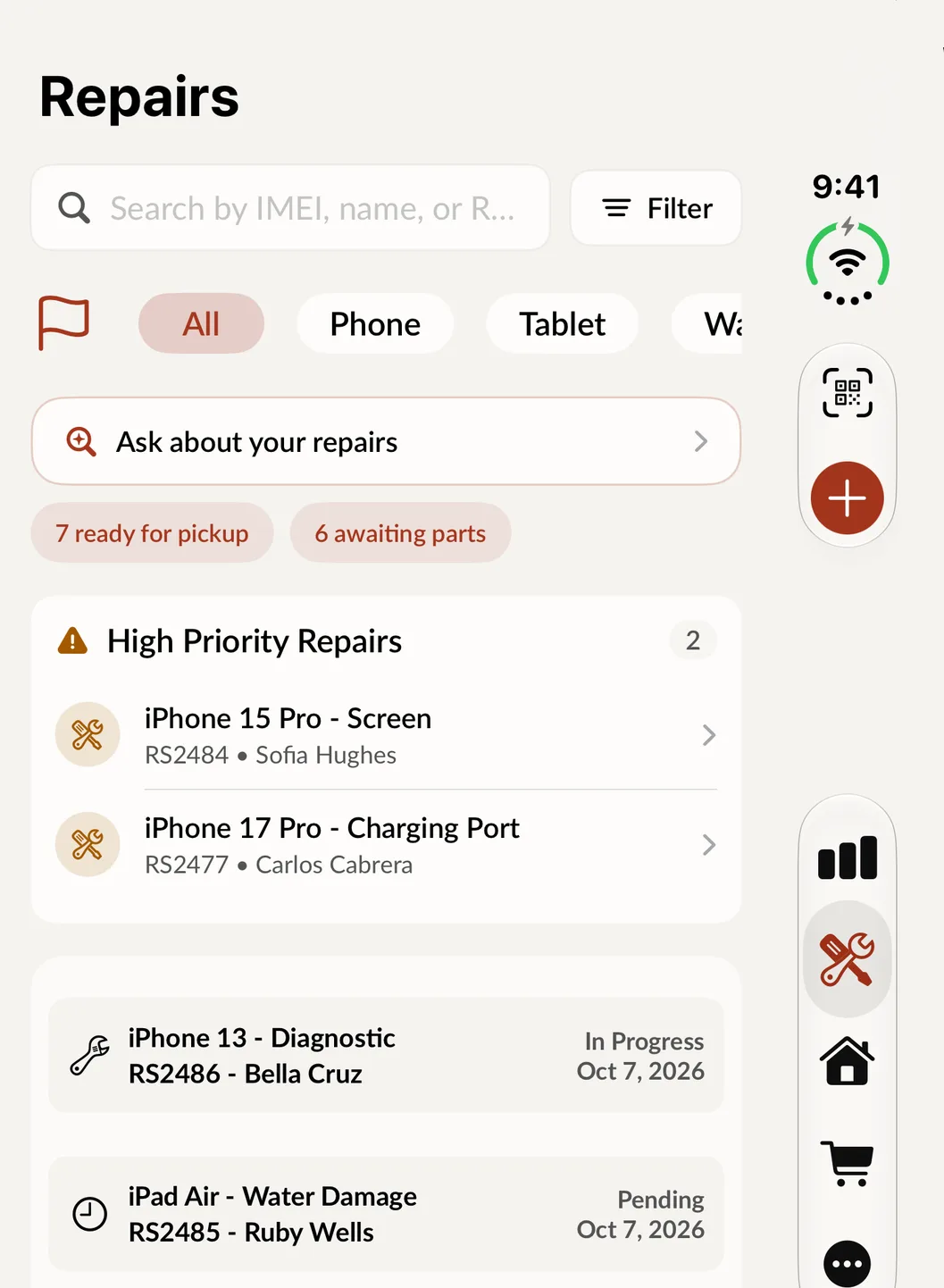
Closed: the Repairs list on the cover screen.
A repair shop moves between two kinds of work all day. At the counter you want something small and quick in one hand while you talk to the customer. At the bench you want room to see every open job. Until now that meant an iPhone and an iPad. iPhone Duo is both, and SpotsPOS is ready for it on day one.
Closed: the counter
Closed, iPhone Duo is wider than a regular iPhone, and SpotsPOS uses the room. The navigation moves to the side, so lists and forms get the full height of the screen. Check a device in with four taps, look up a ticket by name or IMEI, or take a payment. Everything is where you expect it.
Open: the bench
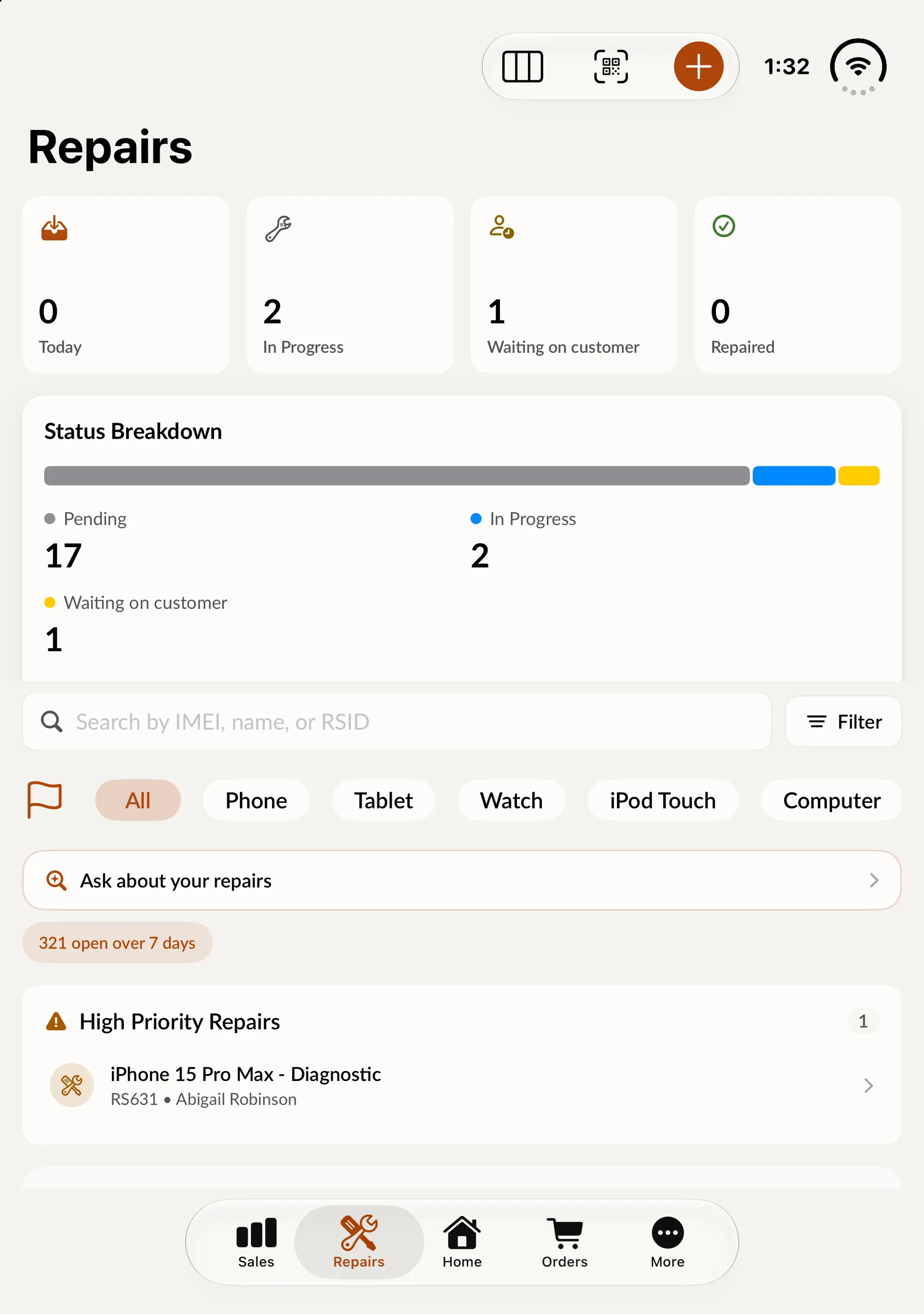
Unfold it and the screen you are on spreads out. The Repairs list keeps its place on one half. Monthly repairs and the status breakdown appear on the other, the way they do on an iPad. Lists sit beside details, and screens with two parts, such as a device and its units, sit side by side.
It follows the space, not the device
We did not build a special iPhone Duo version. Every screen in SpotsPOS now arranges itself around the space it has, and then rearranges when that space changes. That one change pays off in three places:
- iPhone Duo. Closed, the navigation sits at the side. Open, the screen splits into two columns.
- iPad mini. It gets layouts sized for a smaller tablet screen.
- iPad multitasking. When SpotsPOS shares the screen with another app, it switches to the layout that fits instead of squeezing.
One deliberate exception: checkout stays in its single-column layout when the Duo is open and upright, because a register is faster when the total and the pay button stay under your thumb.
What you need to do
Nothing. Update the app and it adapts. The same goes for SpotsPOS Retail and Employee Manager.
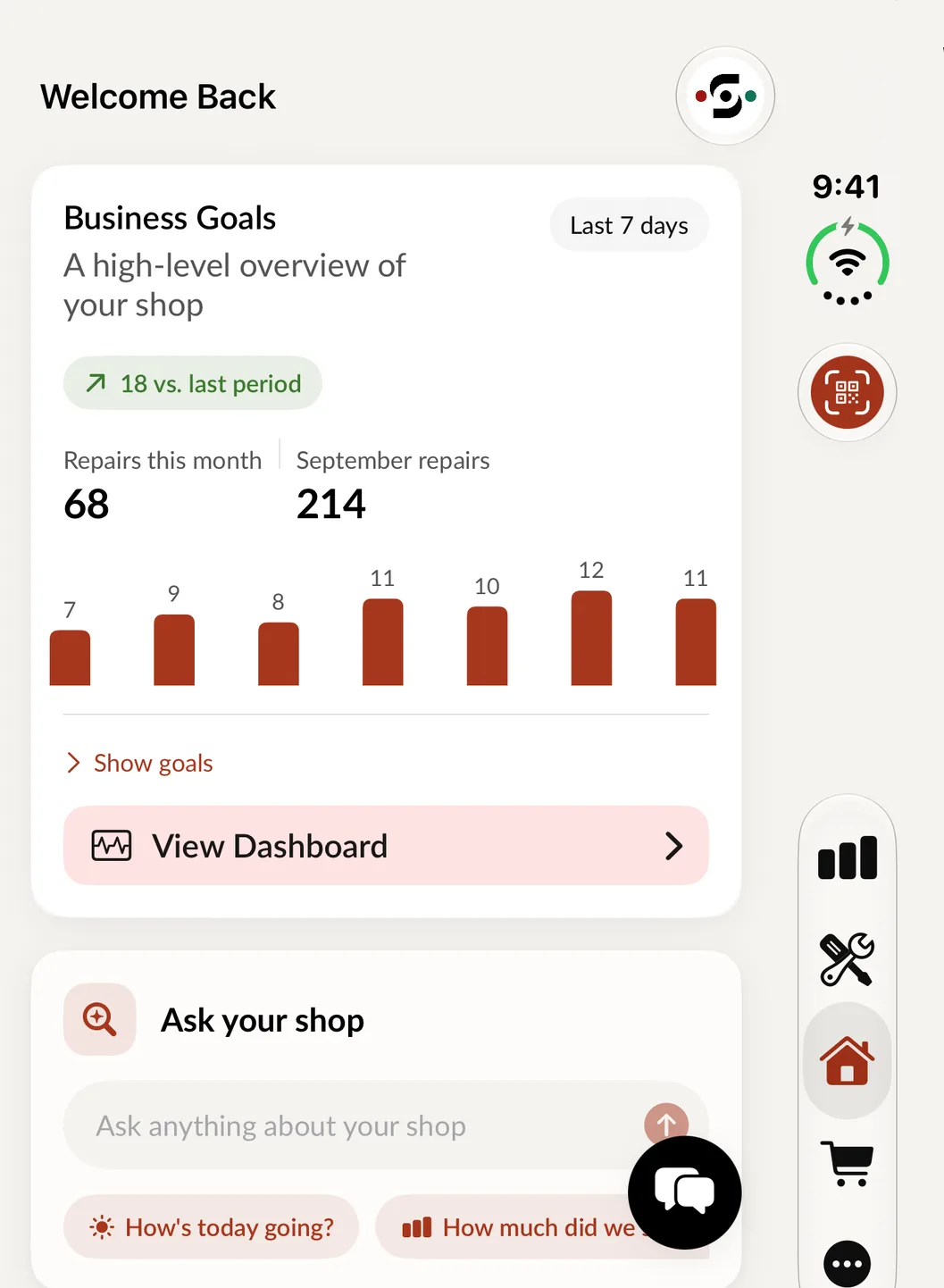
Home, on the cover screen.
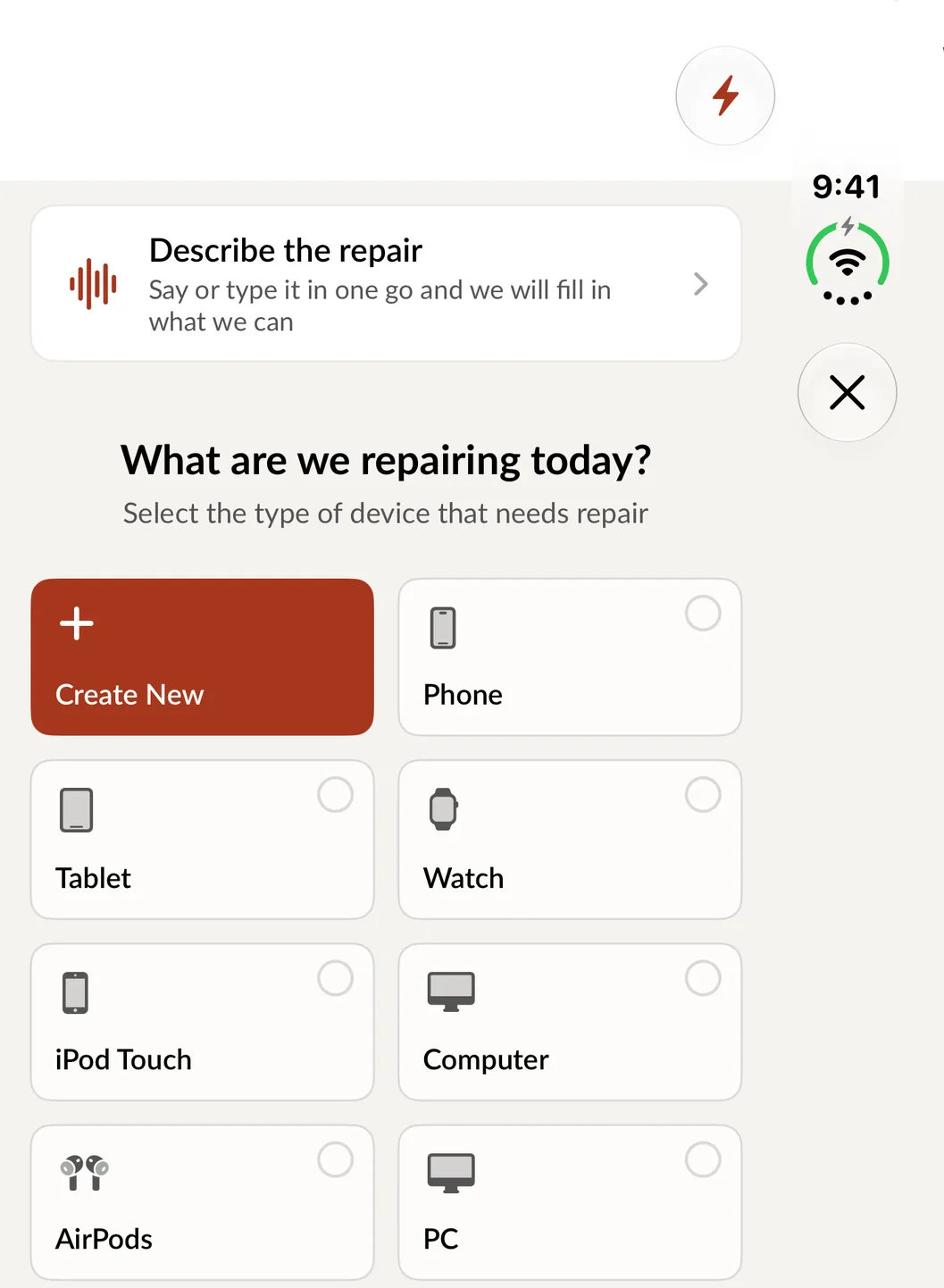
Create Repair, on the cover screen.
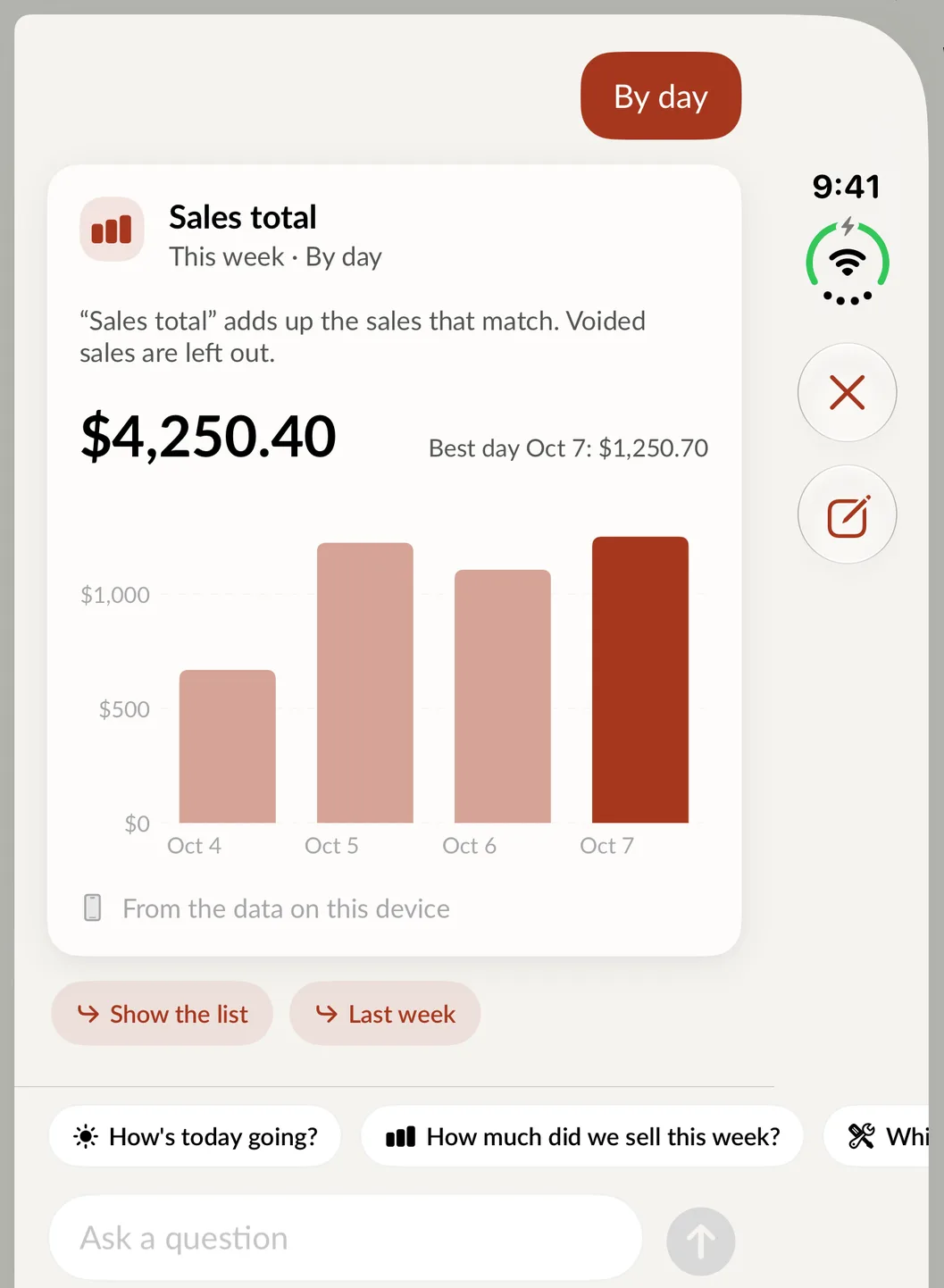
Ask your shop, on the cover screen.