
SpotsPOS Employee Manager
Know who is in, and what the week costs.
SpotsPOS Employee Manager is a time clock, schedule and timesheet for shop teams. Your team clocks in from their own phone. You see hours and pay without a spreadsheet.
Included with SpotsPOS Pro. Free for 14 days.
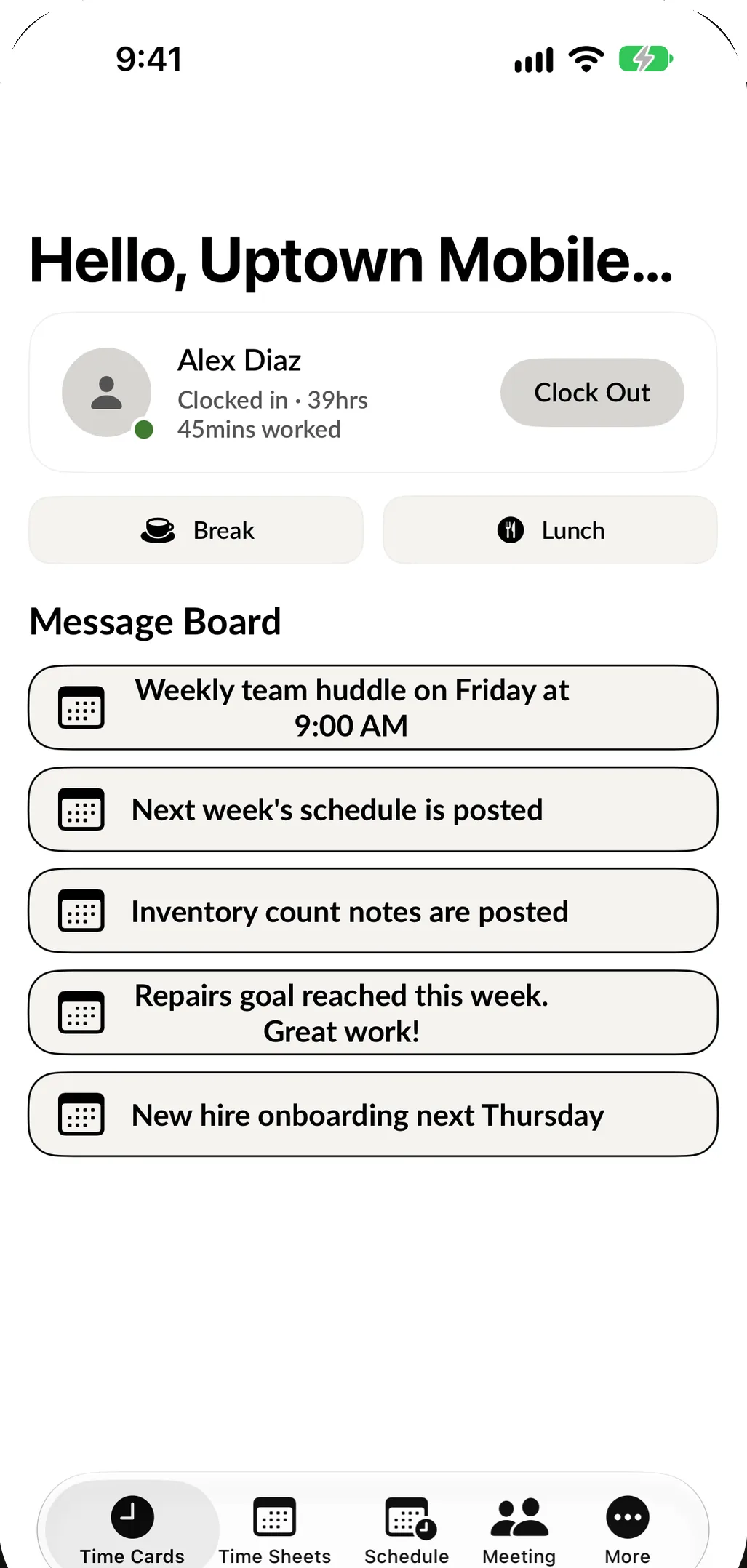
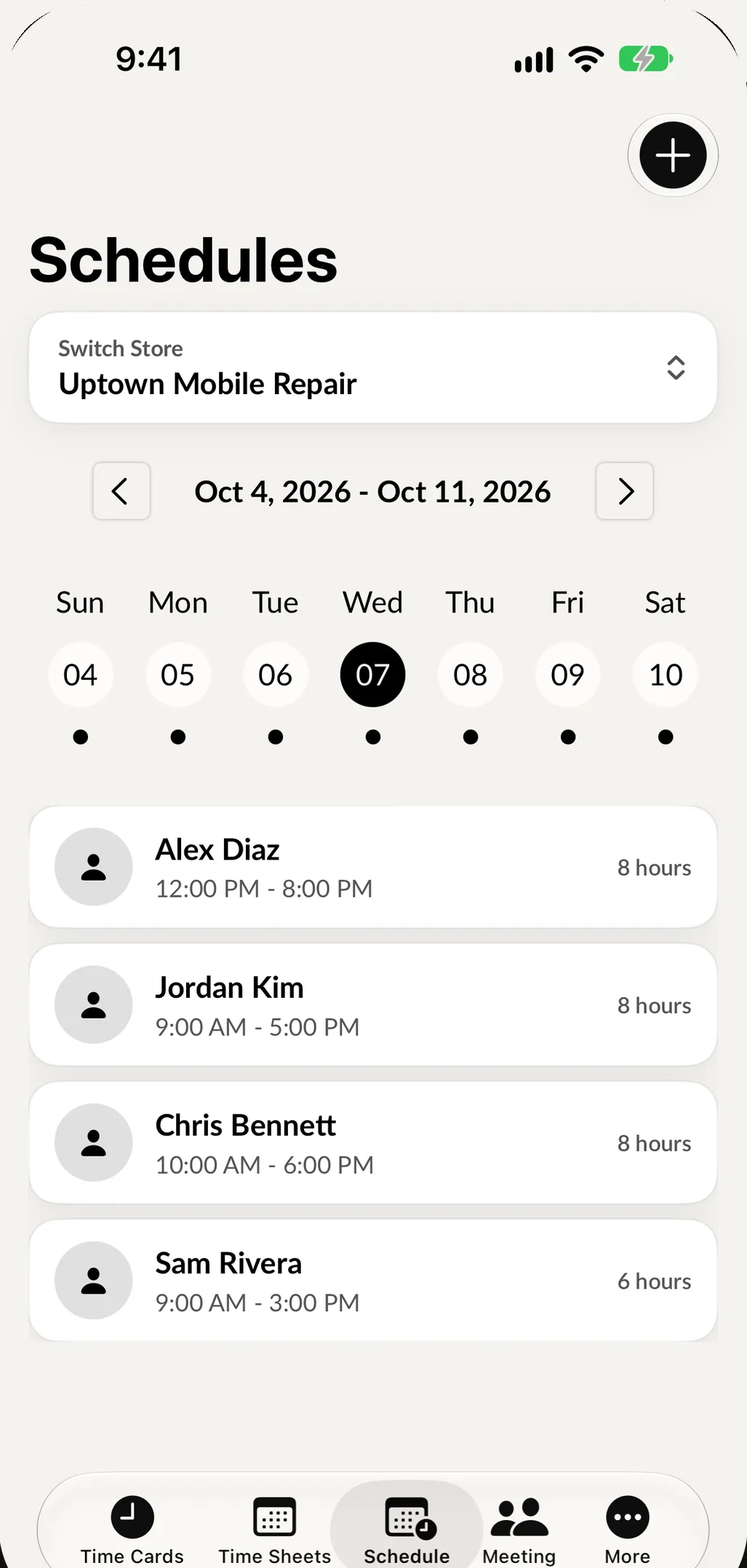
For the people on the schedule.
One app on their own phone, in English or Spanish.
-
Clock in and out
Start a shift, a break or lunch with a tap. No shared terminal and no paper sheet by the back door.
-
See the schedule
Every shift on the schedule, with any changes, always up to date.
-
Message board
Announcements and tasks from the manager, in one place everyone actually checks.
-
Meetings
Get invited to team meetings and see when they move.
For the person who signs the checks.
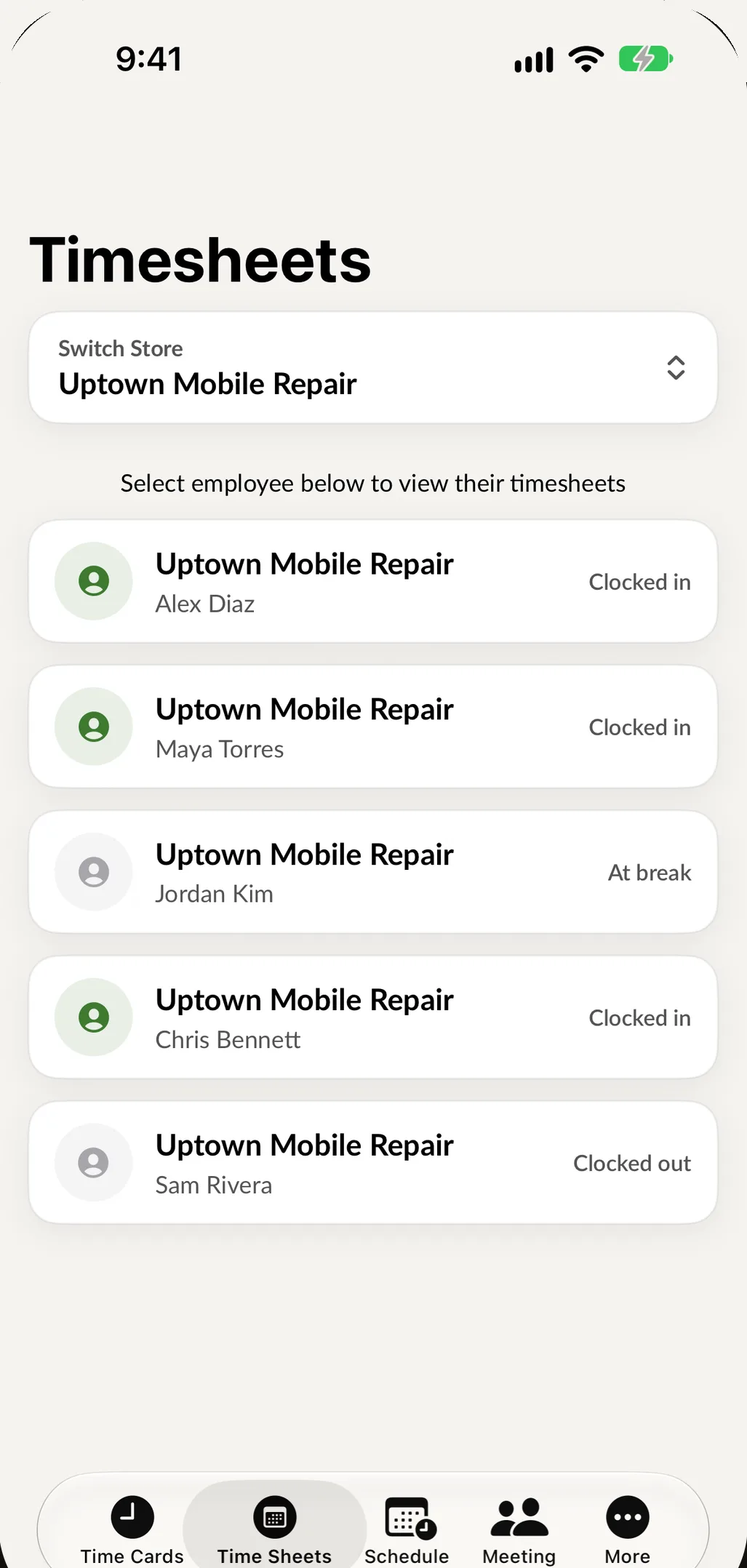
Every clock-in becomes a timesheet. Review the hours, fix a missed punch, and see what the pay period adds up to before payroll is due.
- Timesheets by employee and by week
- Pay rates and estimated pay for the period
- Edit a timesheet when someone forgets to clock out
- Build the weekly schedule and share it instantly
Work a shift in six taps.
Enter a PIN, clock in, take a break and clock out. This is the app your team would use, running in your browser.
Open the full-page demo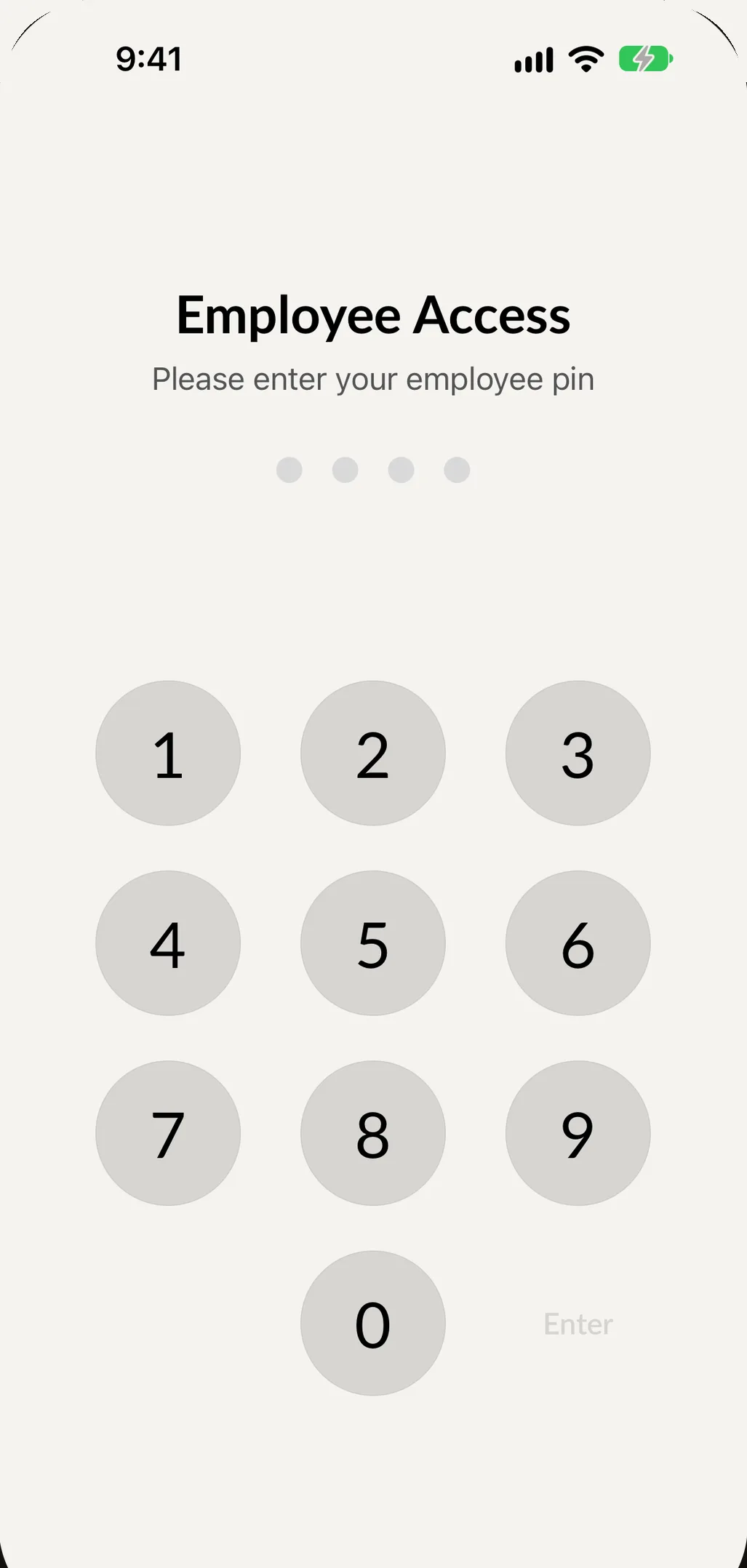
This demo runs in your browser with sample data. Nothing you enter is saved or sent anywhere.
Built with your team's privacy in mind.
-
Location only at the clock
A location is recorded when someone clocks in or out or starts a break, and at no other time. The app never tracks in the background.
-
A PIN for each person
Everyone signs in to the shop's iPad with their own PIN and sees only what their role allows.
-
iPhone and Android
Employee Manager is on the App Store and Google Play, so nobody needs a new phone.
Part of the same shop.
Employee Manager connects to your SpotsPOS account, so sales and repairs are tied to the people who did them.
Guides for managing your team
See every guideEmployee Time Clock Rules for Small Businesses (2026)
Time clock rules for small businesses: breaks, rounding, editing punches, stopping buddy punching and how long to keep time records, with U.S. DOL sources.
How to Schedule Retail Staff Around Your Busiest Hours
Schedule a small retail or repair team around peak hours: read your sales by hour, set coverage levels, build shift templates and share the schedule.
Questions owners ask
Do my employees need a SpotsPOS login?
You add each employee to your shop. They sign in to the Employee Manager app on their own phone and use their own PIN on the shop's devices.
How do I get Employee Manager?
Employee Manager is included with the SpotsPOS Pro plan. See pricing for what each plan includes.
Does the app track where my employees are?
No. A location is recorded only at the moment someone clocks in or out or starts or ends a break. Employees can decline location permission and their time is still saved.
Which phones does it work on?
iPhone and Android. The apps are free to download from the App Store and Google Play.
Put the time clock in everyone's pocket.
Start a trial of SpotsPOS Pro and invite your team today.
Included with SpotsPOS Pro. Free for 14 days.