
SpotsPOS Repair
Computer repair shop software for laptops, desktops and everything in between.
A laptop with a broken hinge, a desktop that will not boot, an office with five slow machines. SpotsPOS Repair is computer repair shop software that keeps the diagnosis, the hours and the parts on one ticket, so the bill matches the work.
Free for 14 days. No credit card needed.
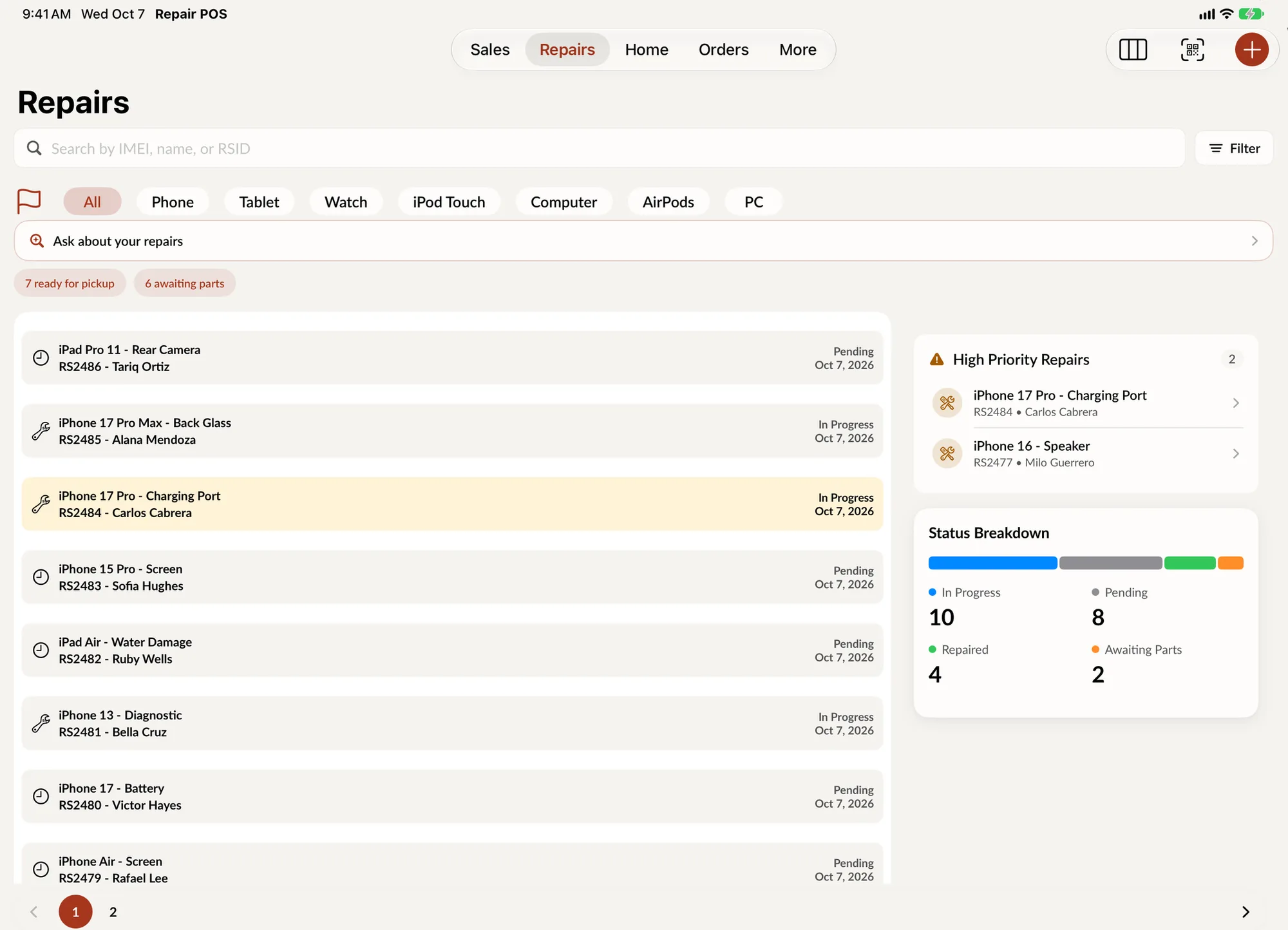
What a computer bench needs, on one ticket.
Computer jobs rarely have a flat price and often wait on a part or an approval. SpotsPOS Repair is set up for that.
-
Serial numbers and passwords
Scan the serial barcode with the camera or type it in. Save the login password in the lock code field so the technician can test the machine without calling the customer.
-
Hourly labor that adds up
Create labor groups with an hourly rate and link them to repair types. Technicians start and complete a time log on the ticket, so long jobs bill what they really took.
-
Diagnostics on record
Write a diagnostic on the ticket, mark the computer testable or not, and print the diagnostic for the customer before they approve the work.
-
Special-order parts
Order the exact keyboard, screen or board for a customer, add the tracking number, and create the repair from the order when the part arrives.
-
Business clients
Mark a customer as B2B, give them a special discount at checkout and their own tax group, and send an invoice instead of waiting for them at the counter.
-
Loaners and refurbished machines
Keep a laptop or two as loaners for customers who leave a repair, and sell refurbished machines by serial number with a grade and a warranty.
Estimate first, then the work.
Computer jobs change once the case is open. Print or email a repair estimate, set the ticket to Waiting on customer until they approve, and take a deposit before you order parts. Notes, diagnostics, sales and time logs all stay in the ticket's history, so anyone at the counter can answer the customer. See how repair tracking works.
- Repair estimate by print or email
- Deposits taken off the final balance
- Internal notes your customer never sees
A laptop that will not boot, step by step
-
Check it in
Choose Laptop, the brand and the model, then the service. Scan the serial, save the password, add photos of dents and missing keys, and have the customer sign your terms on screen.
-
Diagnose
The technician starts a time log, runs tests and writes a diagnostic. Tick the parts that work, or mark the machine not testable if it will not power on.
-
Get approval
Send the estimate, move the status to Waiting on customer and take a deposit when they say yes.
-
Order and repair
Order the drive or the board, track the shipment and switch the status to Awaiting Parts, so the front counter knows why the laptop is still here.
-
Close and warranty
Complete the time log, notify the customer, take the balance and set a warranty period. If it comes back, reopen the ticket under warranty.
Computer repair shop software for real bench work
Jobs that do not fit a flat price
A battery swap has a price. A virus cleanup, a data transfer or a board with liquid damage does not. In SpotsPOS you decide per repair type: link parts with a fixed price for the jobs you repeat, and bill labor by the hour through labor groups for the jobs that run long. If you quote every job by hand, turn on manual cost input at repair creation, and choose whether tax is added to the manual repair and labor prices.
Passwords, data and your terms
Customers hand you their password and their files. The lock code field keeps the password with the ticket and on the printed copy, and you can update it at any time. Write your own terms and conditions, including what your shop does and does not promise about data, and the customer signs them on the screen before you start. If they are in a hurry, choose sign later and the ticket keeps a Sign Repair action until they do.
Machines that sit for weeks
Desktops take shelf space, and some customers are slow to approve or to collect. Ask your shop answers questions like "Which repairs have been open more than 7 days?" and "Which repairs are awaiting parts?". When a machine has been ready too long, it drafts a pickup reminder for you to review and send. On iPad, Repair Board shows every job by status in one view.
Business accounts
Offices and small businesses bring repeat work. Flag them as B2B customers, set a special discount that applies at checkout, put them in a tax exempt tax group if that applies, and send them an invoice to pay later. Sending invoices requires signing up for SpotsPOS payment processing.
Selling what you fix
Chargers, mice, cables and drives go through the same checkout as repairs, out of the same inventory. Buy used laptops through buybacks, add the parts and labor you put into each one so its cost and margin stay true, then sell it by serial number with a grade and a warranty that starts the day it sells.
Questions computer repair shops ask
How do I charge hourly labor in computer repair software?
Create a labor group with an hourly rate and link it to the repair types that are billed by time. Technicians start a time log on the ticket and complete it when they finish, and you can edit an entry if someone forgot to stop it.
Where do I keep the customer's login password?
In the lock code field on the ticket. It shows on the repair details and on the printed ticket so the technician can sign in to test, and you can update it whenever the customer changes it.
Can I send invoices to business customers?
Yes. Mark them as B2B, link the work to them and send an invoice from checkout. Invoices need SpotsPOS payment processing, which you can apply for from the app.
Which plan do I need for purchase orders?
Purchase orders and advanced inventory are included from the Essential plan, and creating a purchase order is done on an iPad or Mac. Special orders for a single customer work on every plan. See pricing.
Can I sell refurbished laptops in SpotsPOS?
Yes. Each laptop is a unit with its own serial number, grade, price and warranty in Device Management. It shows up at checkout, and the warranty starts the day it sells.
Put your next laptop on a SpotsPOS ticket.
Start a 14 day free trial and set up your repair types and labor rates today.
Free for 14 days. No credit card needed.