
SpotsPOS now works offline
When the internet drops, your repairs, customers, sales, orders and inventory stay on screen. Look anything up and keep the counter moving.
- Available
- October 20, 2026
- Apps
- Repair and Retail
- Offline for up to
- 48 hours
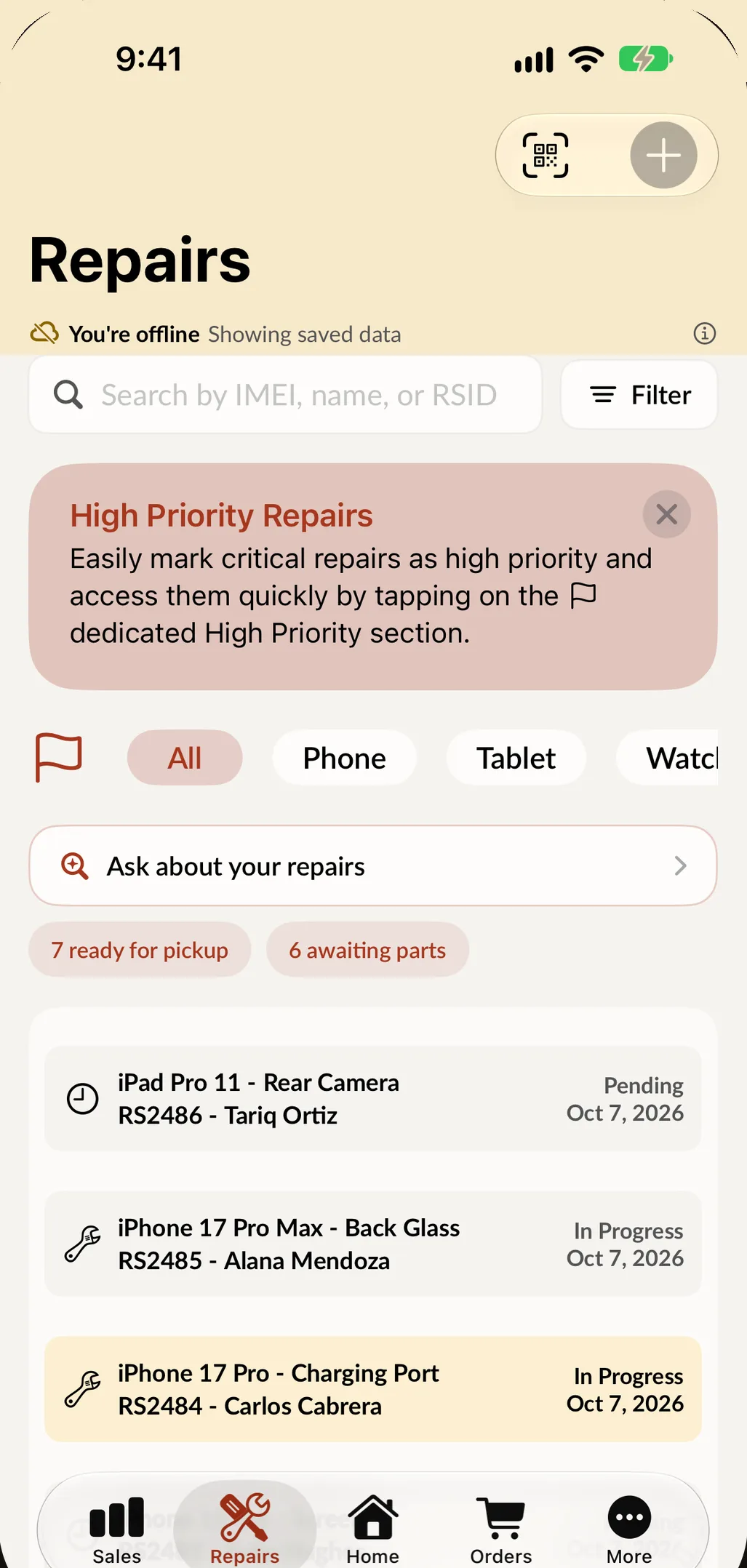
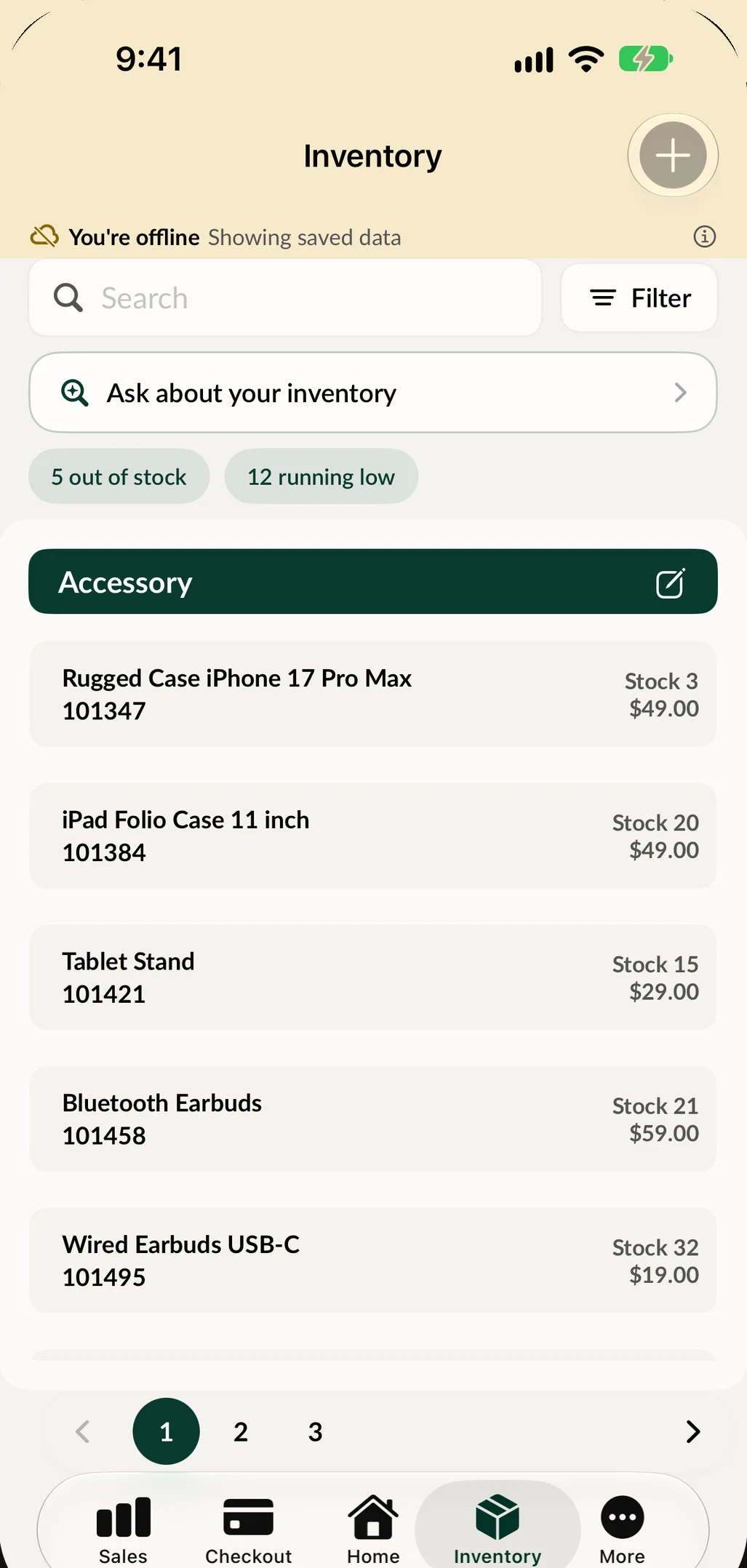
Every shop has had the moment. The connection drops, the line is at the door, and the one thing you need is the ticket for the customer standing in front of you. Starting with this release, you can still find it.
What works offline
SpotsPOS keeps a copy of your shop on the device and shows it whenever the connection is gone. A banner at the top tells you that you are looking at saved data.
- Repairs. Open repairs, and repairs closed in the last 30 days.
- Customers. Up to 10,000 customers, with their details.
- Sales. Recent sales, with the total, tax, payment, employee and customer.
- Orders. Your purchase orders.
- Inventory. Items, prices and stock counts.
- Signing in. Employees can still switch with their PIN.
What waits for a connection
This first version of offline mode is for looking things up. Anything that changes your data needs a connection: creating a repair, changing a status, taking a payment or closing the register.
Those buttons stay where they always are, greyed out and marked Needs a connection, so nobody is left guessing why a tap did nothing. We chose this on purpose. A sale that looks finished but never reached the server is worse than a sale you take two minutes later.
Catching up
When the connection returns, SpotsPOS fetches only what changed while you were away, so you are current in seconds without reloading everything.
The saved copy is kept for up to 48 hours offline. After that, the app asks for a connection before it shows data again, so a device that has been off the network for days never shows you stale numbers.
What you need to do
Nothing. Offline mode is on for every shop after the update. The first time you open the app with a connection, it saves the copy it needs.
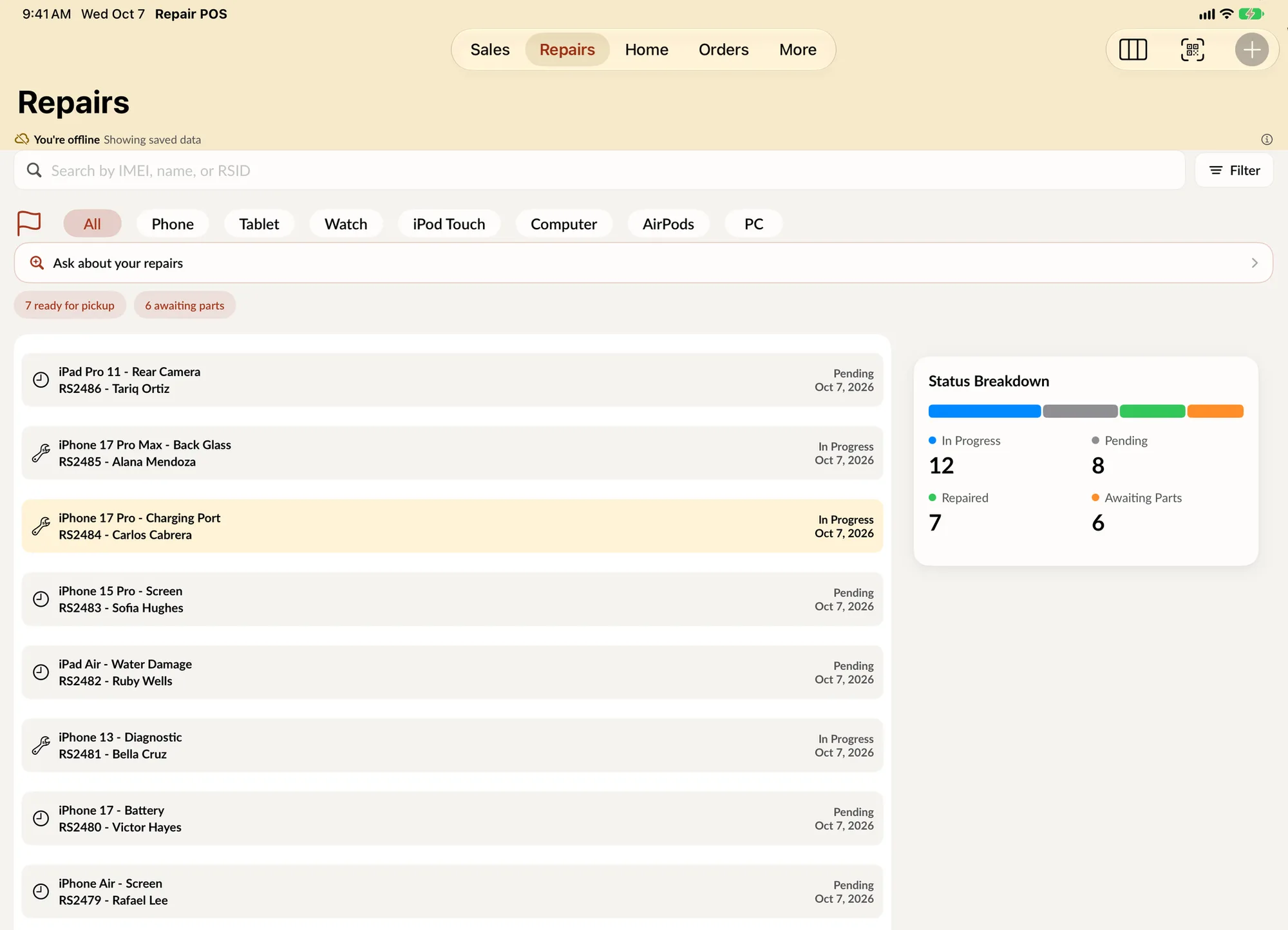
Offline on iPad: the same notice, the same list.