
Repair Board: every open repair on one screen
Repairs as cards, one column per status. Drag a card to its next column and that is the real status change, with the customer notification and the history to match.
- Released
- September 15, 2026
- Where
- iPad and Mac app, and the web portal
- Cost
- Included in every plan
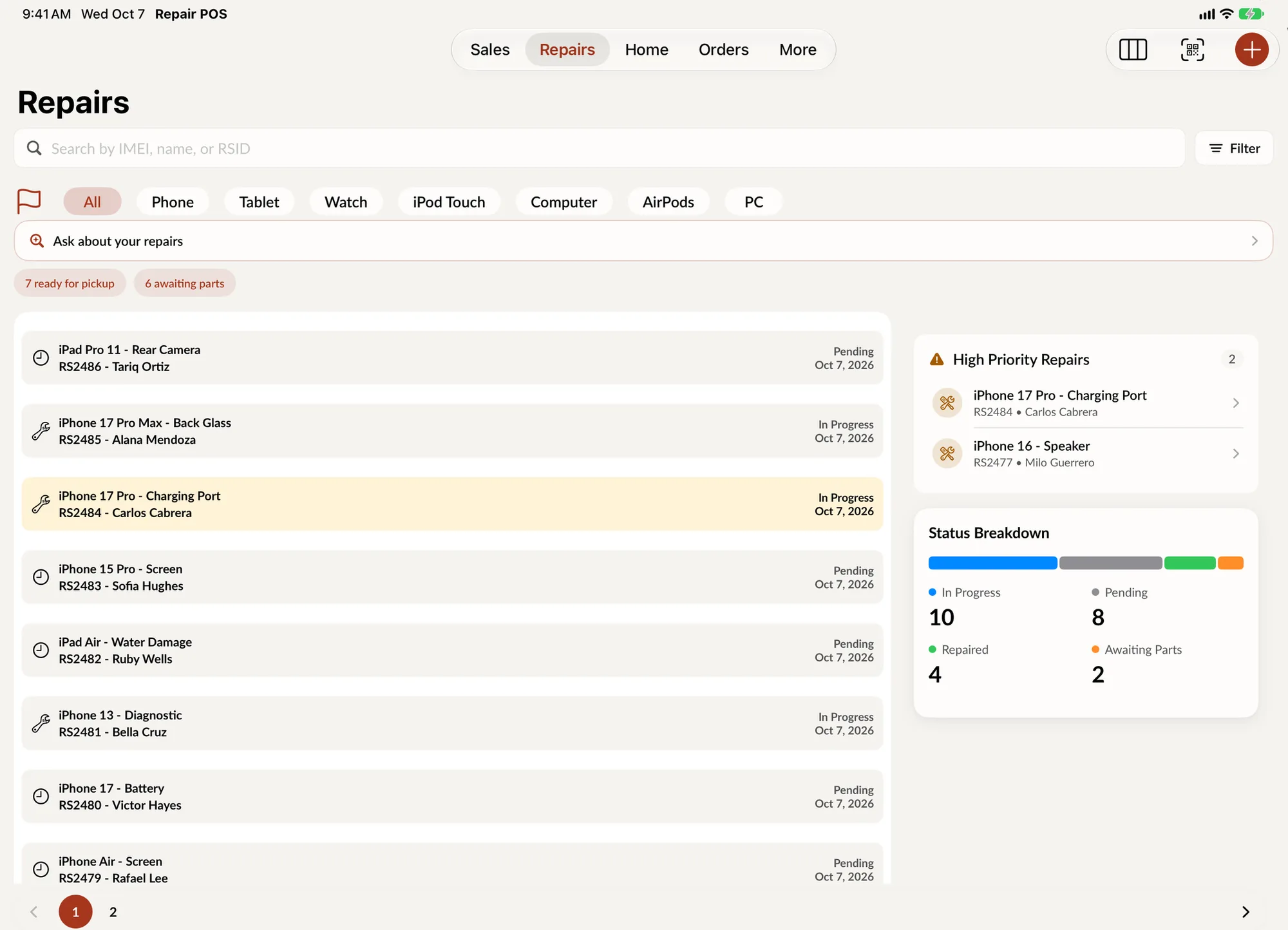
Where is the work right now? The repairs list answers one ticket at a time. Repair Board answers it for the whole shop: every open repair on one screen, and a status update that is a drag, not a trip into the repair.
How it works
Repair Board shows your repairs as cards, one column per status. Pending, In Progress, Awaiting Parts, Waiting on customer, Repaired and Picked up are there from the start. Drag a card into a column and that repair's status changes. Tap a card to open the repair.
A card dropped into Repaired is the same status update you would make from the repair details screen. It lands in the repair's status history with the name of whoever moved it, and anything tied to a status change happens the same way, including the automatic customer notification.
Your columns
Six by default, twelve available. Shipped, Delivered, Tech Damage, Paid, Canceled and Non Repairable stay off until you add them. Choose the columns and their order; that layout is remembered on the device it was set on, so the bench iPad and the front counter can each run the board they need. The technician menu filters the whole board to one person.
Each column header counts every repair in that status, not just the cards that fit on screen. Finished columns show the last seven days, so a shop with two years of history still opens the board on this week's work.
Hard to do by accident
Dropping into Canceled or Non Repairable asks you to confirm. If a change cannot be saved, the card returns to where it was and the board says so.
Where to find it
In the app on iPad and Mac, the board button at the top of the Repairs screen opens Repair Board full screen. In the web portal, Board view on the Repairs page opens it in a tablet or desktop browser. On iPhone and narrow windows, the repairs list stays exactly as it is.