
Unclaimed Repairs: An Abandoned Device Policy and Reminder Schedule
What to do with repairs customers never pick up: a written abandoned device policy, a reminder schedule from day 1 to the final notice, and what to check locally.
To handle repairs nobody picks up, put a written abandoned device policy on the terms every customer signs at check-in, then follow the same reminder schedule for every finished repair: tell them it is ready, remind them a few days later, again at one and two weeks, and send a final written notice before the hold period ends. Keep a dated record of every message. What you may do with a device after that (charge storage, keep it, sell it or recycle it) depends on your state and city, so check the local rules before you write the policy. Below is a policy you can adapt and a schedule you can copy.
Why unclaimed repairs cost more than you think
A finished repair on the shelf is work you did and parts you paid for, but money you have not collected. It also takes space, it is a device you are responsible for, and it often holds someone's photos and accounts. A few a month is normal. A full drawer means the shop has no routine for them.
The fix is boring on purpose: the same terms for every customer, the same reminders on the same days, and a record that shows you tried.
Step 1: Write the policy before you need it
Your abandoned device policy belongs on the repair terms the customer signs at drop-off, not in a sign by the register. It should say:
- How long you hold a finished repair. For example, 30 or 60 days after the first ready-for-pickup message.
- How you will contact the customer. Text, email and phone, using the contact details on the ticket, and that it is their job to keep them current.
- Whether you charge storage. If you do, how much and from which day.
- What happens after the hold period. For example, that the device may be recycled or sold to cover the unpaid balance, as your local law allows.
- What happens to the data. That you will erase the device before it leaves your shop.
- Deposits. That a deposit on parts is kept if the device is not collected.
Rules on abandoned property, storage fees and selling unclaimed goods vary by state and city. Check your state's rules, or ask a local lawyer, before you put a hold period or a sale on your terms.
Step 2: Use the same reminder schedule for every repair
Pick a schedule and run it for every repair, whatever the device is worth:
| Day | Message | Channel |
|---|---|---|
| Day 0 | Your device is ready, with the balance due and your hours | Text and email |
| Day 3 | Friendly reminder that it is ready | Text |
| Day 7 | Reminder with the balance due | Text and email |
| Day 14 | Reminder that the hold period is running, with the date it ends | Text, email and a call |
| 7 days before the end | Final written notice: the date and what happens after it | Email and text, keep a copy |
Write the messages once and reuse them, so every employee sends the same words. Note every call on the ticket. If the customer answers, write down what they said and when they will come.
Step 3: Make pickup easy
Some customers stay away because of the bill, not because they forgot. A few things bring them back:
- Put the balance in the message, so there is no surprise at the counter.
- Offer a way to pay the balance before they come, if you take payments by phone or by link.
- Offer someone else to pick it up, with a note from the customer, if your terms allow it.
- Be flexible about times for a customer who works your hours.
Step 4: Close it out by the book
When the hold period ends and the final notice has gone out:
- Check the record. Make sure every reminder on the schedule went out and is on the ticket.
- Follow your policy and your local rules for what happens next.
- Erase the device before it is resold or recycled.
- Close the ticket with a note on what happened and when, so the record is complete if the customer comes back.
How SpotsPOS Repair helps
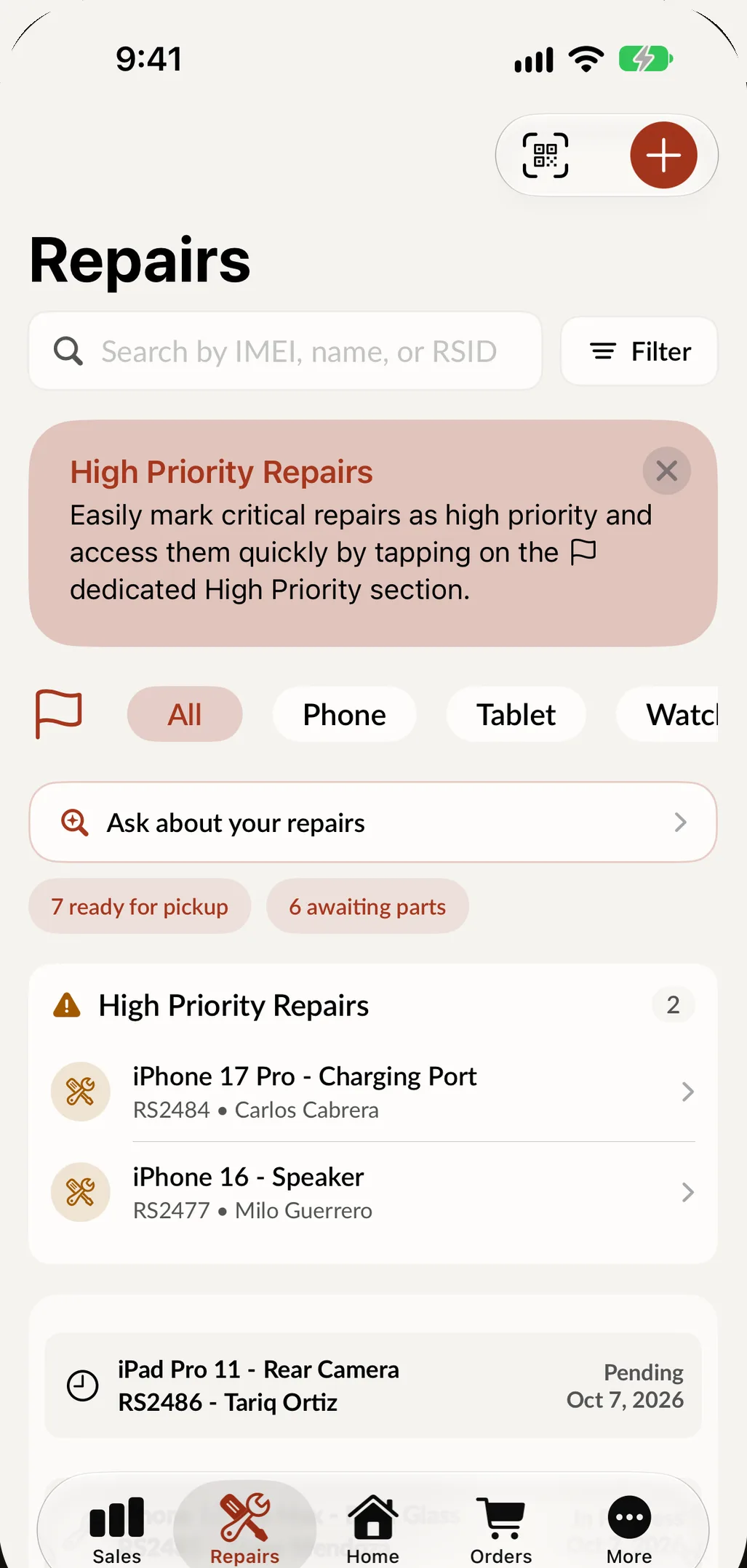
In SpotsPOS Repair, the customer accepts your repair terms and signs at check-in, so your abandoned device policy is on the ticket from day one. When the repair is done, Notify Customer tells them it is ready. The Repairs list shows what is ready for pickup, and a Waiting for pickup card appears when repairs have been ready for more than a few days. From the ticket, Remind Payment sends a reminder about the open balance, and Send Text covers anything else. With Spots Intelligence, SpotsPOS can draft a friendly pickup text for you to check and send. See customer notifications for every message you can send.
Frequently asked questions
How long should a repair shop keep an unclaimed device?
Many shops hold a finished repair for 30 to 90 days after the first ready-for-pickup message. Pick a period, put it on the terms the customer signs, and check your state's rules on abandoned property before you rely on it.
Can I sell a device a customer never picked up?
It depends on where you are. Some places allow it after written notice and a waiting period, and some set rules for how the sale works. Check your state and city rules, and put what you will do on your repair terms.
Should I charge a storage fee for unclaimed repairs?
You can if your terms say so from the start and your local rules allow it. A storage fee mainly works as a reason to come in, so state it clearly in the reminders.
How often should I remind a customer to pick up a repair?
A common schedule is the day it is ready, then day 3, day 7 and day 14, with a final written notice before the hold period ends. Use the same schedule for every repair and keep a record of each message.
Track every repair from check-in to pickup, and add your terms to the repair ticket checklist your counter already uses.