
SpotsPOS Repair
Power tool repair shop software built for contractors who need it back.
Drills that will not hold a charge, saws with worn brushes, impact drivers dropped off a ladder. SpotsPOS Repair is power tool repair shop software that checks each tool in by its serial, keeps the battery and charger on the ticket and gets contractors back to work.
Free for 14 days. No credit card needed.
What a power tool counter needs, handled.
Power tool repair is fast turnaround, lots of look-alike tools and customers who bill by the hour. These are the pieces of SpotsPOS Repair a tool shop leans on.
-
Your own tool catalog
Create device types like Drill, Impact Driver, Saw, Grinder and Battery, add the brands and models you service, and name your services: brush replacement, switch, chuck, cord, battery test.
-
Serial on every tool
Record the serial or scan its barcode, so ten identical drills from the same crew each go back to the right owner. Search any repair by serial or name.
-
What came in, and what works
Note the battery, charger and case that came with the tool, tick what works and add photos of the damage before anyone opens it.
-
Parts you have to order
Create an order for the armature or switch you do not stock, add tracking and follow it from Ordered to Received.
-
Contractors on account
Mark crews and companies as B2B customers, give them a special discount and send an invoice for their repairs.
-
Blades, bits and batteries at the counter
Accessories and consumables sell from inventory on the same checkout as the repair.
Fast turnaround for people on the clock.
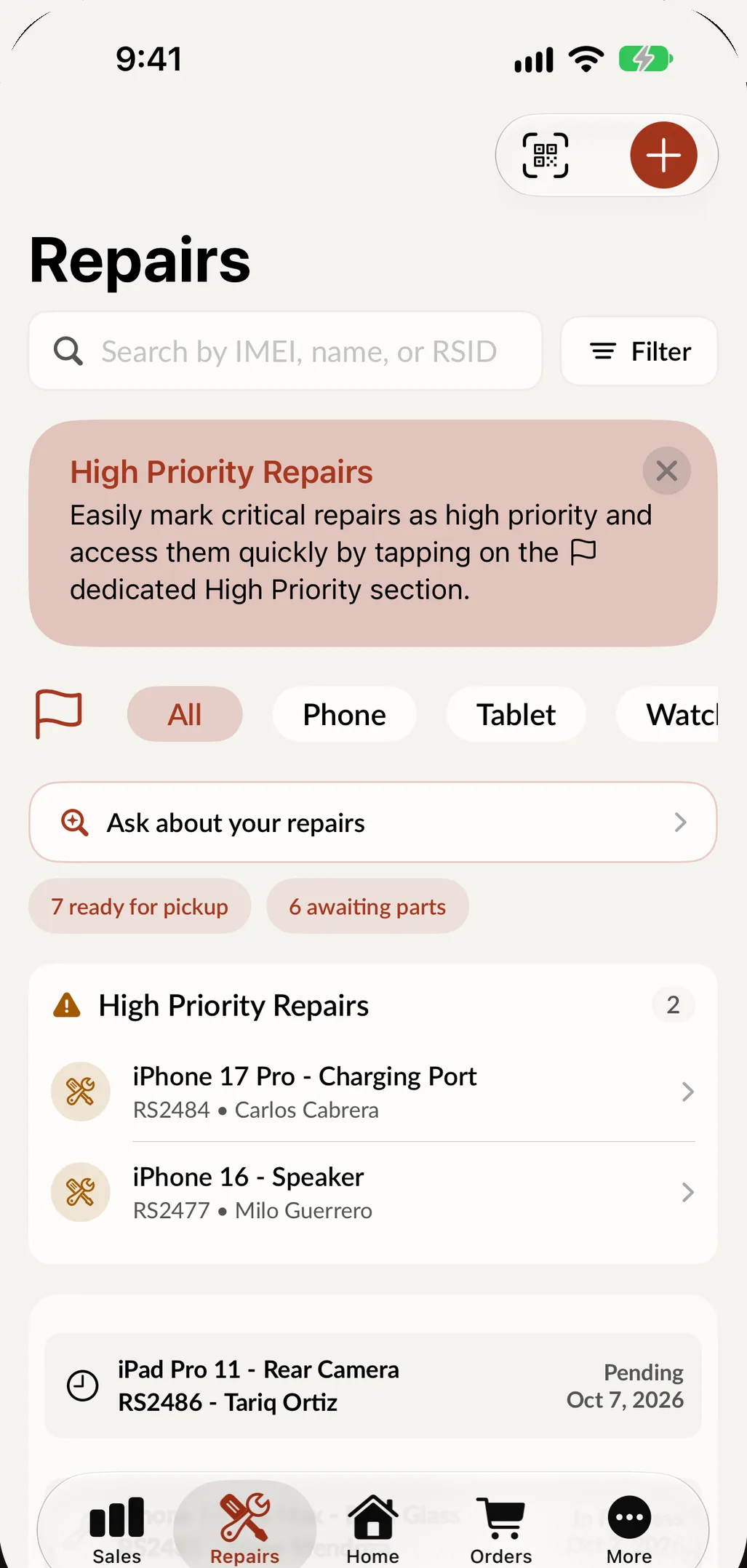
A contractor without a drill is losing money. Mark the job high priority and it sits at the top of the Repairs list and on the Repair Board, with the due time on the ticket. When it is done, one tap tells the customer it is ready.
- High priority jobs stay on top
- Due time on every ticket
- Notify Customer by text or email
A tool, from the counter to the job site
-
Check it in
Pick the tool type, brand, model and service, or say it in one sentence: cordless drill, chuck slipping, needs it Thursday. SpotsPOS fills in what matches your catalog.
-
Document it
Record the serial, list the battery, charger and case, take photos and get a signature on your terms.
-
Diagnose and quote
Write a diagnostic, add parts and labor and print the estimate. If the repair costs more than the tool is worth, the customer decides before you start.
-
Order and repair
Order what you do not stock and move it to Awaiting Parts. When the part arrives, the technician logs time on the ticket.
-
Test and hand back
Test it under load, move it to Repaired, notify the customer and set a warranty period on the work.
Power tool repair shop software, from the counter to the invoice
Your catalog, not a phone catalog
Tap Create New to add the tool types you repair, then add brands, models and services in your own words. Link the parts each repair type uses, so a brush job pulls the right brushes with the right price and stock. Your everyday jobs become Quick Repairs that start in one tap.
Batteries and chargers
Many cordless tool problems are really battery or charger problems. Make Battery and Charger their own device types, so they get their own tickets and history. Note on the tool's ticket which battery and charger came with it, and photograph them, so nothing goes home with the wrong crew.
Repair or replace
When a repair costs more than a new tool, the customer should decide before you open it. Print the estimate, take a deposit if you need to order parts, and keep the job in Waiting on customer until they approve. If they say no, mark it Non Repairable and close it with a record of why.
Contractors and crews
A crew brings ten tools at once and pays at the end of the month. Mark the company as a B2B customer, set a special discount if you offer one, and send an invoice. Every repair stays on their profile, so you can show the history of each tool.
Used and refurbished tools
Buy used tools with buybacks, grade them, record what you spend refurbishing them, and sell each one by serial from device management with its own warranty.
What to look for in power tool repair shop software
| Ask | Why it matters for tools | In SpotsPOS Repair |
|---|---|---|
| Can I build my own tool catalog? | Tools are not in a phone database | You create the device types, brands, models and services, and link parts to each repair type |
| Does it track each tool by serial? | Crews own many identical tools | Serial on the ticket, scanned or typed, and repairs searchable by serial |
| Can I note the battery, charger and case? | Accessories go missing at pickup | Notes and up to 10 photos on the ticket |
| Can urgent jobs jump the line? | Contractors lose money while they wait | High priority jobs stay at the top, with a due time |
| Can I invoice contractors? | Crews pay on account | B2B customers with a special discount and invoices |
| Does it sell consumables? | Blades, bits and batteries sell with the repair | Point of sale and inventory in the same app |
SpotsPOS Repair plans start at $45 a month; see pricing.
Questions power tool repair shops ask
Can I set up power tools in SpotsPOS Repair?
Yes. You create the device types, brands, models and services yourself, and link the parts each repair type uses.
Can I track tools by serial number?
Yes. Record the serial on the ticket, typed or scanned from a barcode, and search repairs by serial later.
Can I bill contractors once a month?
Yes. Mark them as B2B customers and send an invoice for their repairs. Every repair stays on their customer profile.
Can I mark a tool as not worth repairing?
Yes. Keep the job in Waiting on customer until they approve the estimate, and mark it Non Repairable if they decide not to go ahead.
How much does SpotsPOS Repair cost for a power tool repair shop?
Plans start at $45 a month for one location, and every plan comes with a 14 day free trial that does not ask for a credit card. See pricing for what each plan includes.
Check in your next tool on SpotsPOS.
Start a 14 day free trial and build your tool catalog in minutes.
Free for 14 days. No credit card needed.